Jobs that have a higher probability of converting are qualified as leads. These jobs may have a better skill match, may be invitations for Quotes from Employers or may have been added by you to your Watchlist.
Watchlist
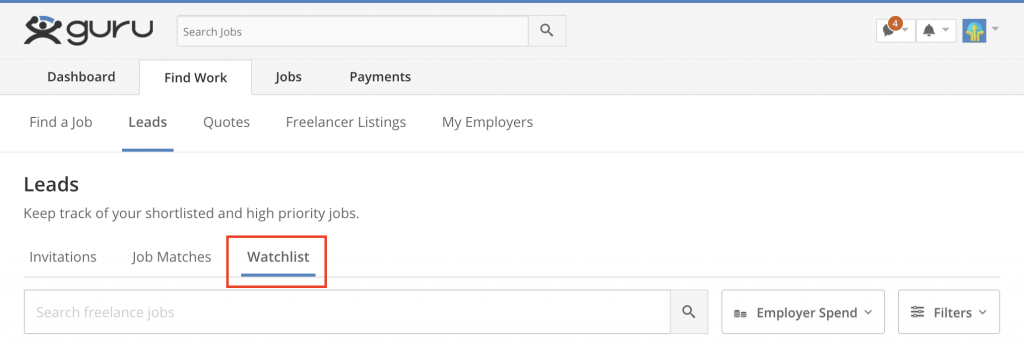
Use your Watchlist to keep track of desired jobs or to contact potential Employers.
Invitations
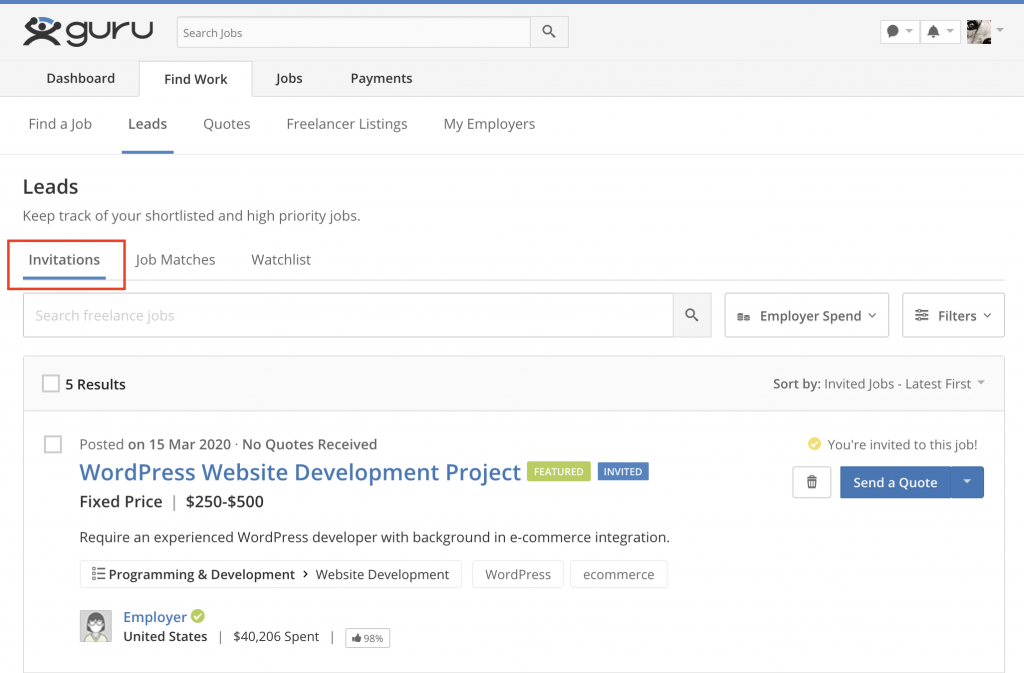
Employers can invite you to send Quotes for their jobs. Employers often look at your past performance, your Profile or their past experience with you before requesting you to send a Quote for a job.
Invitations can be seen under the Invitations tab on the Leads page. Sending a Quote for an invited job does not require Bids.
Note:
- You can submit a Quote for an invited job even after declining the invitation through Find Jobs tool. However, this will require Bids.
- Employers are informed when you view, accept, decline, or delete an invitation.
Job Matches
Jobs that require skills similar to the skills listed in your Profile show up as Job Matches.
To see your Job Matches:
- On the Dashboard: Click on “Job Matches” under the Find Work section.
- On the Leads page: Go to the tab “Job Matches” tab.
Note:
- Job Matches are accessible for 30 days. You can remove a Job Match from your list by checking the box next to the job and clicking

 icon .
To unsubscribe from Job Match emails:
- Click on “Edit Account” on your Dashboard.
- Click on “Email Settings” on the menu.
- Uncheck “Job Matches.”
- Click on “Save.”


